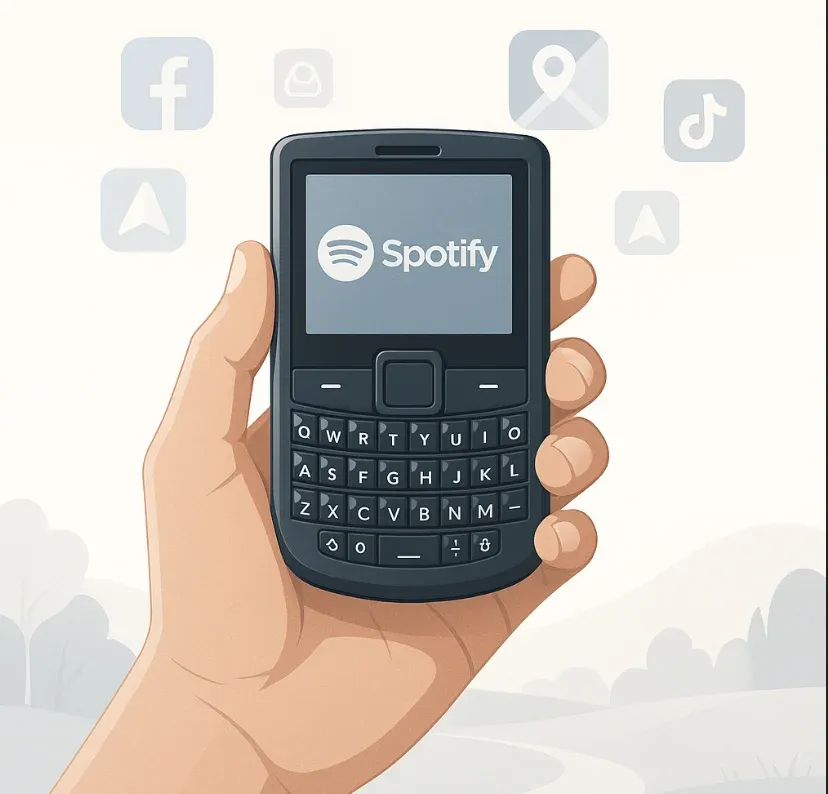
📵 I Used a Dumb Phone for a Month — With a Modern Twist
“Clutter is costly, and its cost is often measured in terms of reduced autonomy.”
— Cal Newport, Digital Minimalism
As a software engineer, technology is central to everything I do. It’s my tool, my craft, and the foundation of how I build and create. But there’s a fine line between using technology intentionally — and being consumed by it.
The infinite scroll, the dopamine-driven app design, the subtle but constant pull to check, swipe, refresh — it wasn’t just a distraction. It was rewiring how I thought and how I spent my time.
I didn’t want to abandon tech — but I did want to reclaim control.
So I made a deliberate switch: I replaced my modern smartphone with a “dumb phone.” Not to disconnect entirely, but to reset my relationship with digital tools and reintroduce friction where it mattered.
In a world engineered for distraction, I decided to reclaim my focus — not by throwing away all tech, but by changing how I used it. For 30 days, I switched to the Unihertz Titan Pocket, a smartphone in a dumbphone’s body. The goal wasn’t full disconnection — I still needed Spotify, navigation, and banking — but I wanted to break the endless scroll loop.
Here’s what I used, how I set it up, the benefits, drawbacks, and whether I’d recommend it.
🧠 What Even Is a Dumb Phone?
A dumb phone typically refers to:
- No app store (or heavily limited)
- No social media
- No touchscreen or modern UI
- Just calls, texts, and maybe Snake
But there’s a spectrum:
Classic Feature Phones
Nokia 3310, Alcatel Go Flip
Fully off-grid or minimalist users
Minimalist Smart Devices
Light Phone II, Punkt MP02
Designed for peace of mind
Locked-Down Smartphones
Android/iOS with launchers or focus apps
Reduce distraction while keeping power
Hybrid Form Factors
Unihertz Titan Pocket
Retro design, modern software control
🔧 Why I Chose the Unihertz Titan Pocket?
Unlike a true dumb phone, the Titan Pocket gave me:
- Contactless payments
- Banking apps
- Android Auto for navigation
- Spotify & YouTube (audio only)
- Niagara Launcher for a minimal, swipe-up app interface
Its small screen and QWERTY keyboard limited mindless usage. I didn’t install video-first apps like Instagram or TikTok. If I ever did get the urge to scroll, I opened daily.dev — a feed of insightful articles, not dopamine-chasing junk.
Evenings? Just like 2007.
When I needed to check social messages, I visited the web versions of platforms. This alone helped distance me from the addictive nature of app-based interaction.
✅ The Benefits
1. More Presence
I was there — whether it was golfing with friends or just sitting with someone. No mental pull to “just check something.”
2. Less App Fatigue
No pop-ups. No forced updates. No trending nonsense I didn’t ask for.
3. Better Use of Time
By design, the device discouraged passive use. I was intentional. I’d listen to music — not scroll. I’d read an article — not react to a reel.
4. Awareness of the Invisible Transaction
Modern apps aren’t just tools. They extract attention — and sell it. Using this phone made that painfully obvious.
⚠️ The Drawbacks
1. Security Risks
The Titan Pocket runs Android 11, and support has ended. I used Bitdefender, but long-term OS vulnerabilities remain a concern.
2. Form Factor Friction
The small screen made scanning gym barcodes annoying. Some UI elements on apps weren’t optimized for this retro form.
3. Cloud Syncing Issues
My photos were still locked into iCloud. Since the Titan runs Android, accessing or syncing those wasn’t seamless. (I’m solving this in a future post about switching to NAS for storage.)
💭 Final Reflection: Would I Recommend It?
Yes — for anyone who wants a reset without sacrificing modern essentials.
The Titan Pocket gave me:
- Modern utility
- Old-school discipline
- A clearer head
You don’t need to go full caveman. But you do need to be hyperaware of how today’s devices are designed — not for your benefit, but for your attention.
📌 TL;DR
- 📱 Used: Unihertz Titan Pocket
- 🧠 Why: Reduce distraction, retain essentials
- ✅ Pro: Focus, intention, peace
- ❌ Con: Security, screen size, app compatibility
- 👍 Recommendation: Yes, especially if you’re feeling digitally burned out
Would you try something like this? Or have questions about setting one up yourself? I’m thinking of writing a guide on creating your own “distraction-free device” — let me know.